Nanoblock Studio
Turn any photo into a buildable nanoblock mosaic.
Upload a photo, pick a plate size, and get a block-by-block mosaic design with a parts list and printable instructions. Nothing is uploaded anywhere — the whole pipeline runs in this browser tab.
Everything runs in your browser — your photo never leaves your device. Ready to use offline.

Source photo
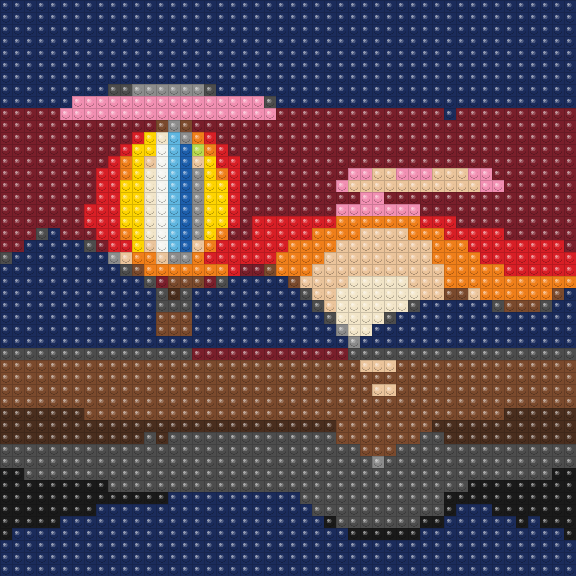
48×48 mosaic · 17 of the 20 nanoblock colors
Every color is matched to a real nanoblock shade, so the plate you print is the plate you can buy parts for.
How it works
- 1
Upload and frame
Choose a photo and crop it to the plate you want to build — 32×32, 48×48, or a custom size.
- 2
Tune the mosaic
Adjust brightness, contrast and saturation, toggle dithering, then repaint individual blocks by hand.
- 3
Print and build
Export a parts list and a printable instruction booklet with one page per 16×16 section.
Turn any photo into a buildable nanoblock mosaic.
Start creatingAdd to your home screen for a full-screen experience.